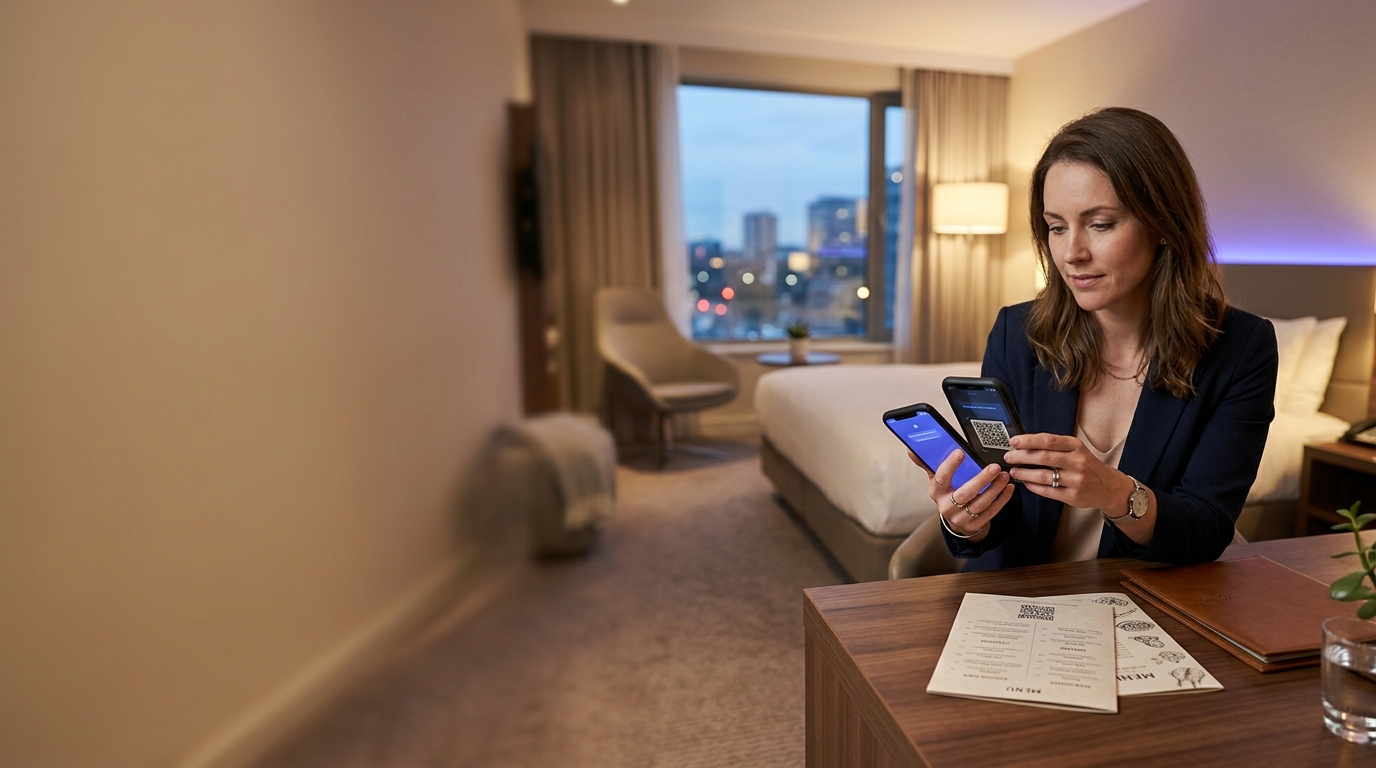
QR Codes for Hotels & Resorts
Hotels are replacing printed directories and in-room compendiums with QR codes — giving guests instant access to services, menus, and local recommendations from their own phone, in their own language.
Create your free QR code →Free trial · No credit card · Codes never expire
What you can do with QR codes in Hotels and Resorts
Hotels use QR codes in rooms and lobbies for room service menus, check-in details, WiFi access and local guides. The information behind the code can be updated daily without reprinting a single card.
Every QRecode code is dynamic — you can change where it points at any time without reprinting, and every scan is tracked.
QR codes for hotel check-in
Check-in is the moment a QR code earns its place in a hotel, because it is the one point where every guest arrives at once and the queue is visible to everyone in the lobby.
The usual pattern is a code in the booking confirmation or on lobby signage that opens a pre-arrival form — guest details, ID upload, estimated arrival, payment authorisation, preferences. The guest completes it on their own phone before or on arrival, and the desk is left with a confirmation to check rather than a form to fill. Where a property runs digital keys, the same flow can hand a room key to the phone.
The practical gain is not that check-in becomes unstaffed. It is that the desk conversation shortens from several minutes of data entry to a greeting and a key, which is what actually clears a lobby when three coaches arrive together.
- Put the code in the booking confirmation email, not only on arrival signage — the earlier a guest completes the form, the more time it saves.
- Include a short line of text explaining what the code does. “Scan to check in early” converts far better than an unlabelled code.
- Keep a staffed path open. A guest with a flat battery, no data, or no smartphone still has to be able to check in.
- If the destination changes by property or season, use a dynamic code so printed lobby signage never needs replacing.
Where codes go in a hotel, and what size each needs
Hotels are unusual in that the same code type gets deployed at half a dozen distances, from a card held in the hand to signage read across a lobby. Size for the distance, not for the design.
The 10:1 guideline applies throughout: a code needs to be at least a tenth as wide as the distance it is read from. In-room material is read at arm’s length; lobby and lift signage is not.
| Placement | Read from | Minimum width | Recommended |
|---|---|---|---|
| In-room compendium or tent card | 20–40cm | 2–4cm | 3–5cm |
| Key card wallet | 20–30cm | 2–3cm | 2.5–3.5cm |
| Door hanger | 30–50cm | 3–5cm | 4–6cm |
| Reception desk card | 30–40cm | 3–4cm | 4–5cm |
| Lobby or lift signage | 1.5–3m | 15–30cm | 20–35cm |
| Restaurant table tent | 20–40cm | 2–4cm | 3–5cm |
The in-room compendium, replaced
The printed room directory is the clearest case for a dynamic code in hospitality. It is expensive to produce, it goes out of date the moment a restaurant changes its hours, and in most properties it is reprinted on a cycle measured in years rather than weeks.
Behind a single code you can hold room service, dining hours, spa booking, housekeeping requests, WiFi access, TV instructions, checkout time and local recommendations — and change any of them the same afternoon. The printed card in the room never changes.
Two things separate this working from being ignored. The landing page has to be genuinely fast on hotel WiFi, which is often congested; and it has to be readable one-handed on a phone. A PDF of the printed directory is the most common implementation and the least used one.
Guest WiFi without the front-desk conversation
A WiFi QR code encodes the network name, security type and password, so a guest scans once and joins without typing anything. In a hotel this removes one of the most repeated interactions at the desk and one of the most common causes of a bad first ten minutes in a room.
Worth knowing before you print: a WiFi code stores the credentials in the pattern itself, so it is static by nature. Changing the password means reprinting every card. Properties that rotate guest passwords regularly are usually better served by a dynamic code pointing at a short page showing the current credentials — the printed code stays valid, and the password behind it can change nightly.
A real, working QR code
This code was generated on this page, in your browser. Point your phone camera at it and it opens this guide — every code the generator makes works the same way.
Create yours freeHow to create a QR code
From idea to scannable code in three simple steps.
Create your code
Choose what your code links to — a website, menu, booking page, contact card or more. Customise the colours to match your brand.
Add it to your materials
Download a print-ready PNG or SVG and add it wherever your customers will see it. SVG stays sharp at any size.
Track and update
Watch scans roll in through real-time analytics, and change where your code points any time — no reprinting needed.
Why use dynamic QR codes?
Unlike static QR codes, dynamic codes let you change where they point any time — without reprinting. Track every scan with real-time analytics, customise the design to match your brand, and download in print-ready SVG or PNG.
- Reduce front desk calls with self-service information
- Update restaurant menus and pricing instantly
- Guest satisfaction data at your fingertips
Change where your code points without reprinting.
See every scan, device, and location instantly.
Match your brand colours and add a logo overlay.
Print-ready quality at any size.
UK-hosted, privacy-first scan tracking.
Your printed materials work forever.
Dynamic vs static QR codes
Not sure which to use? Here's how they compare.
Practical tips
The earlier a guest completes the form, the more desk time it saves on arrival.
A guest with a flat battery or no smartphone still has to be able to check in.
A WiFi code is static by nature. Point a dynamic code at a page showing current credentials instead.