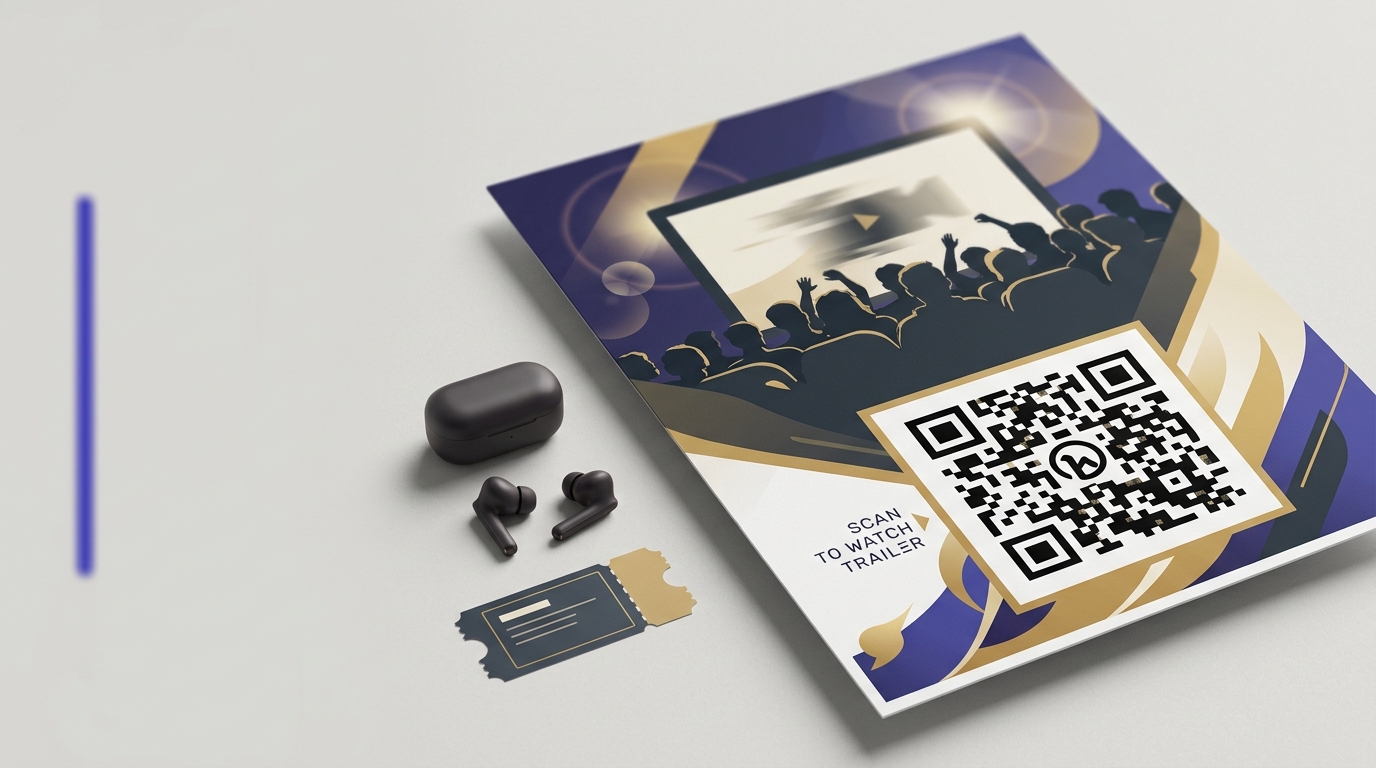
QR Codes on Posters
A QR code turns a static poster into an interactive campaign. Viewers scan to see a trailer, book a ticket, or follow on social — while you track exactly how many people from each location engaged.
Create your free QR code →Free trial · No credit card · Codes never expire
Ways to use QR codes on Posters
The most common uses are:
Every QRecode code is dynamic — you can change where it points at any time without reprinting, and every scan is tracked.
Sizing a poster code for the distance it is actually read from
Posters fail more often than any other format, because they are designed on a desk and read from across a room. A code that looks generous in artwork at 100% zoom can be unscannable on the wall.
Most indoor posters are read from 1–2 metres, which under the 10:1 rule means 10–20cm — far larger than most designers expect. City-format and transit posters are read from further still. Size for the real viewing position, then check it by printing the code at final size and taping it to a wall.
| Poster context | Read from | Minimum code | Recommended |
|---|---|---|---|
| A3 indoor, corridor or noticeboard | 1–1.5m | 10–15cm | 12–18cm |
| A2 / A1 wall poster | 1.5–2m | 15–20cm | 18–25cm |
| Shop window, read from pavement | 1.5–3m | 15–30cm | 20–35cm |
| Transit / bus shelter | 2–4m | 20–40cm | 30–50cm |
| Exhibition pull-up banner | 2–4m | 20–40cm | 30–50cm |
Height matters as much as size
A poster code should sit at or slightly below eye level — roughly 1.2 to 1.6 metres from the floor. This is the single most overlooked variable in poster design.
Codes placed near the top of a large poster force the viewer to angle their phone upward, which skews the pattern and puts glare from overhead lighting directly into the shot. Codes placed too near the floor make people crouch, and most will not bother. On pull-up banners and billboards specifically, put the code low rather than high: the further the viewer, the more a high code has to be read at an angle.
Lighting and finish on poster stock
Posters live under whatever lighting the venue has, and you rarely control it. Two failure modes dominate.
Overhead spotlights on a gloss-laminated poster produce a bright band across the surface, and if that band crosses the code, it stops scanning from the one position everyone stands in. Matte or satin lamination removes the problem entirely at the same cost. The second is backlit poster cases, where light passes through the substrate and reduces the effective contrast of the pattern — codes in lightboxes need to be larger and printed at maximum contrast, black on white with no brand tint.
- Specify matte or satin lamination, never gloss.
- For lightboxes and backlit cases, increase the code by around 25% and use pure black on white.
- Check the poster in situ before committing to a print run across multiple sites.
- Keep the code clear of any frame lip that could cast a shadow across it.
What a poster code should open
A poster is read by someone standing still with a moment to spare, which is a better scanning context than most formats — and it is routinely wasted by pointing the code at a homepage.
The scan should land on the thing the poster advertises, with the same headline so the reader knows immediately they are in the right place. If the poster promotes an event, land on that event's page with the date visible. If it promotes an offer, land on the offer, not a shop front.
Posters are also the format where a different code per site pays off most obviously. The same design across twenty locations, each with its own dynamic code, tells you which sites actually produce scans. That converts a poster campaign from an act of faith into something you can measure and re-buy on evidence.
- Match the landing page headline to the poster headline.
- Land on the specific event, offer or product, never the homepage.
- Use a different dynamic code per site to compare locations.
- Keep the page light — posters are often scanned on mobile data.
- Repoint the code when the campaign ends rather than leaving a dead link.
A real, working QR code
This code was generated on this page, in your browser. Point your phone camera at it and it opens this guide — every code the generator makes works the same way.
Create yours freeHow to create a QR code
From idea to scannable code in three simple steps.
Create your code
Choose what your code links to — a website, menu, booking page, contact card or more. Customise the colours to match your brand.
Place it on your posters
Download a print-ready PNG or SVG and add it wherever your customers will see it. SVG stays sharp at any size.
Track and update
Watch scans roll in through real-time analytics, and change where your code points any time — no reprinting needed.
Why use dynamic QR codes?
Unlike static QR codes, dynamic codes let you change where they point any time — without reprinting. Track every scan with real-time analytics, customise the design to match your brand, and download in print-ready SVG or PNG.
- Track which poster locations and sizes perform best
- Update campaign links mid-run without new print
- A/B test different landing pages from different poster runs
Change where your code points without reprinting.
See every scan, device, and location instantly.
Match your brand colours and add a logo overlay.
Print-ready quality at any size.
UK-hosted, privacy-first scan tracking.
Your printed materials work forever.
Dynamic vs static QR codes
Not sure which to use? Here's how they compare.
Practical tips
Codes at 1.2–1.6m are read straight on. Higher forces an upward angle that skews the pattern.
Light through the substrate cuts effective contrast. Add a quarter and use pure black on white.
A poster approved at reading distance is installed and read from two metres.