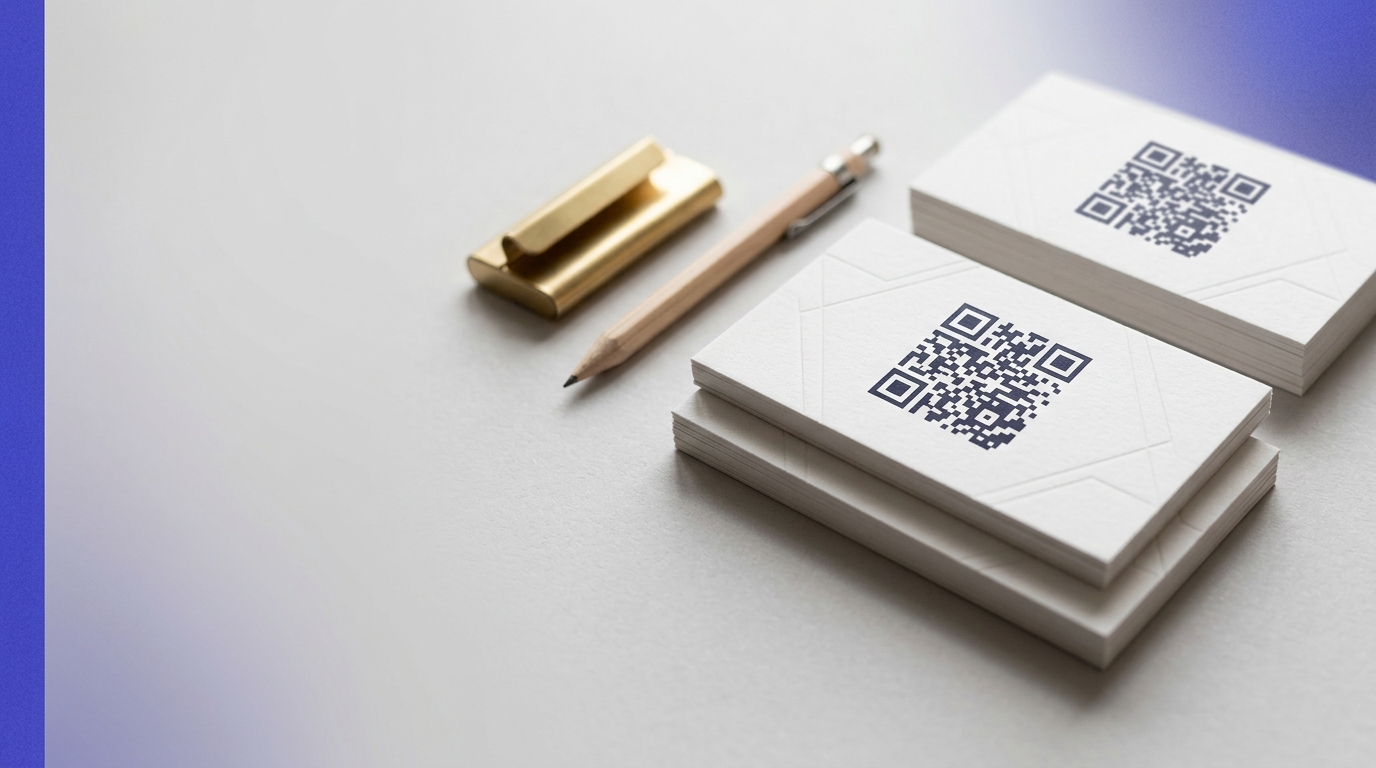
QR Codes on Business Cards
A QR code on a business card transforms a passive handover into an active digital connection. One scan shares your full contact details, portfolio, LinkedIn profile, or booking link — and you can update what it links to without printing new cards.
Create your free QR code →Free trial · No credit card · Codes never expire
Ways to use QR codes on Business Cards
A QR code on a business card saves your contact details straight to someone's phone in one scan, with no typing. It can also point to a LinkedIn profile, portfolio or booking page, and that destination can be changed without reprinting the cards.
Every QRecode code is dynamic — you can change where it points at any time without reprinting, and every scan is tracked.
Why business card codes can be the smallest you will ever print
A business card is handed over and read in the hand, roughly 15–25cm from the face. That is the shortest scanning distance of any printed format, and under the 10:1 rule it puts the minimum at around 2cm — which is also, unusually, the recommended size. Most formats need a generous safety margin on top of the calculated minimum; a card does not, because the distance never varies.
Two centimetres square is about the width of a thumbnail. On a standard 85 × 55mm card that is comfortable, but it is a floor rather than a target: below roughly 1.5cm the modules become too fine for the print process to hold cleanly, and the code starts failing on older phone cameras.
- Print at 2cm square or larger. Do not shrink it to fit a crowded layout.
- Keep the code at least 5mm in from the trim edge. Cards are guillotined in stacks and the cut drifts — a code near the edge can lose part of its quiet zone.
- Never place it across a fold on a folded card.
- Leave the quiet zone clear: at least four modules, around 4–5mm at this size.
vCard or a link: the decision that determines your code size
This is the choice that catches most people out. A vCard QR code encodes the contact details themselves — name, company, phone, email, address — directly into the pattern. Nothing is fetched from the internet, so it works with no signal, but every extra character adds modules, and a full vCard produces a visibly dense code that needs to be printed larger to stay readable.
A dynamic link encodes only a short redirect. The pattern stays sparse and prints small and clean, the destination can be changed after the cards are printed, and you can see how many people scanned. The trade-off is that it needs a connection at the moment of scanning, and the contact save is one tap further away.
For a card you will reprint anyway within a year, and where you want the contact saved instantly with no signal, a vCard is the honest choice. For anything you want to measure, change, or point at more than a contact record — a portfolio, a booking page, a proposal — use a dynamic link.
| vCard code | Dynamic link code | |
|---|---|---|
| Works with no signal | Yes | No |
| Editable after printing | No | Yes |
| Scan tracking | No | Yes |
| Pattern density | High — print larger | Low — prints small |
| Best for | Instant contact save | Portfolio, booking, anything measurable |
Card finishes that stop a code scanning
Card stock and finish matter more here than on any other format, because the code is small and the finishes are often premium.
Spot UV and gloss varnish are the usual culprits. Both are frequently applied as a design feature over the back of a card, and both throw a specular highlight straight back at a camera held directly above — which is exactly how someone scans a card. Ask your printer to knock the varnish out over the code area, or specify a matte finish.
Uncoated and lightly textured stocks are safe but absorb ink, which spreads the modules slightly. On heavily textured or laid stock, increase the code to 2.5cm. Metal, wood and dark plastic cards need the pattern etched or printed in a genuinely light colour on dark — and be aware that many scanning apps historically struggled with inverted codes, so a light background panel behind a dark code is the safer construction.
A real, working QR code
This code was generated on this page, in your browser. Point your phone camera at it and it opens this guide — every code the generator makes works the same way.
Create yours freeHow to create a QR code
From idea to scannable code in three simple steps.
Create your code
Choose what your code links to — a website, menu, booking page, contact card or more. Customise the colours to match your brand.
Place it on your business cards
Download a print-ready PNG or SVG and add it wherever your customers will see it. SVG stays sharp at any size.
Track and update
Watch scans roll in through real-time analytics, and change where your code points any time — no reprinting needed.
Why use dynamic QR codes?
Unlike static QR codes, dynamic codes let you change where they point any time — without reprinting. Track every scan with real-time analytics, customise the design to match your brand, and download in print-ready SVG or PNG.
- Never need to reprint cards when your details change
- Track how many people actually act on your card
- Stand out with an interactive, premium card design
Change where your code points without reprinting.
See every scan, device, and location instantly.
Match your brand colours and add a logo overlay.
Print-ready quality at any size.
UK-hosted, privacy-first scan tracking.
Your printed materials work forever.
Dynamic vs static QR codes
Not sure which to use? Here's how they compare.
Practical tips
A card is read closer than anything else, so 2cm works — but below that, print and older cameras both start failing.
Cards are guillotined in stacks and the cut drifts. A code near the edge loses part of its quiet zone.
Spot UV and gloss are common on premium cards and both flare under the light you scan in.