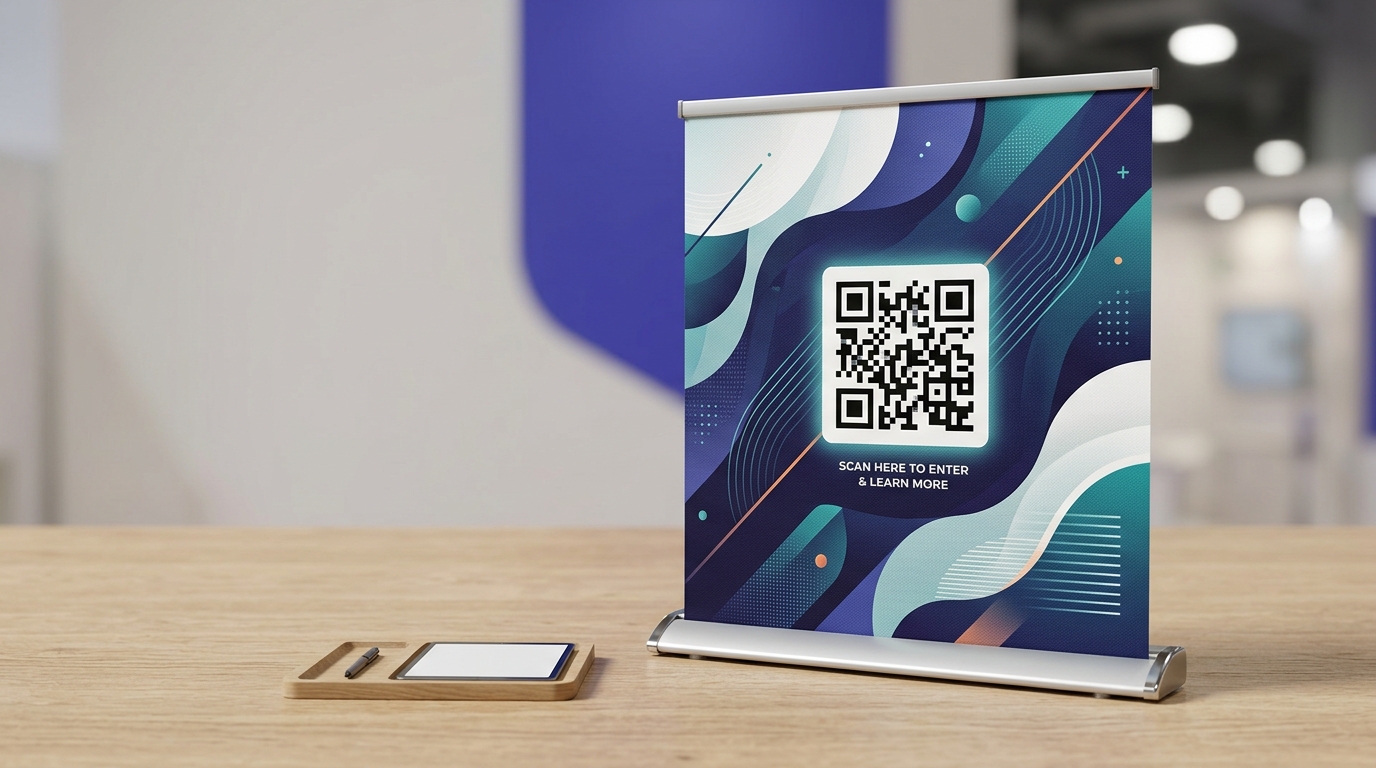
QR Codes on Banners & Pull-ups
QR codes on banners and pull-up stands give exhibition visitors something to take away and act on later. A scan captures interest in the moment and links them to your offer, even after they've walked away.
Create your free QR code →Free trial · No credit card · Codes never expire
Ways to use QR codes on Banners and Pull-ups
The most common uses are:
Every QRecode code is dynamic — you can change where it points at any time without reprinting, and every scan is tracked.
Sizing for a trade show floor, not an empty room
Pull-up banners get designed in a quiet office and used in a crowded hall, and that difference is what breaks most banner codes.
In practice nobody stands two metres back from your banner in a busy exhibition — they either walk past at four metres or stand right at it. Size for the far case: 2–4 metres means 20–40cm under the 10:1 rule. A 30cm code on a standard 850mm-wide pull-up looks enormous in artwork and reads correctly on the floor.
| Banner type | Read from | Minimum | Recommended |
|---|---|---|---|
| Pull-up / roller banner (850mm) | 2–4m | 20–40cm | 30cm |
| Exhibition backwall | 3–6m | 30–60cm | 40–50cm |
| Outdoor mesh banner | 4–8m | 40–80cm | 50–70cm |
| Table-front banner | 1–2m | 10–20cm | 15cm |
| Hanging ceiling banner | 4–10m | 40–100cm | Consider omitting |
Put the code low on the banner
The instinct is to place a code near the top of a banner where it is visible. That is the wrong end.
A code high on a two-metre banner is read at a steep upward angle, which foreshortens the pattern and puts ceiling lighting straight into the shot. Codes work best at roughly 1.2–1.5m from the floor — comfortable phone height for a standing adult. On a hanging or ceiling-suspended banner, a code is largely decorative; the viewing angle and distance defeat it, and a short memorable URL will do more work.
The other practical constraint on pull-ups is the bottom 15–20cm, which sits inside the cassette or is obscured by the stand and by people. Keep the code above that band.
- Place the code 1.2–1.5m from the floor.
- Keep clear of the bottom 20cm, which the cassette and foot traffic obscure.
- Avoid the top third entirely.
- On hanging banners, use a short URL rather than relying on a scan.
Material, curl and lighting in halls
Roller banner material curls at the edges as it comes off the cassette, and a code near a curling edge distorts. Keep it centred horizontally.
Exhibition lighting is bright, directional and usually overhead, so gloss vinyl flares badly. Specify matte or anti-glare material — most banner suppliers offer it at the same price, and it also photographs better, which matters if you want stand photos afterwards.
What a banner code should open at an event
Trade show scans have a distinct character: they happen in seconds, in a noisy hall, usually while the visitor is still walking or standing at your stand talking to someone.
That rules out anything requiring attention. A long form will not be completed on a show floor. A homepage requiring navigation will be abandoned. What works is a single next step: a lead capture with two fields, a link that sends the brochure to their email, or a booking slot for a follow-up call.
The other genuinely useful option is a page that exists only for that event. A URL you spin up for a specific show gives you unambiguous attribution — every scan came from that stand, on those days — and it lets you write copy that assumes the visitor has just spoken to you. That is not something an evergreen page can do.
- Two-field lead capture, not a full enquiry form.
- Send the brochure by email rather than downloading a large PDF on show wifi.
- A booking link for a follow-up conversation after the show.
- An event-specific landing page for clean attribution.
- Assume poor connectivity — halls are saturated. Keep the page light.
A real, working QR code
This code was generated on this page, in your browser. Point your phone camera at it and it opens this guide — every code the generator makes works the same way.
Create yours freeHow to create a QR code
From idea to scannable code in three simple steps.
Create your code
Choose what your code links to — a website, menu, booking page, contact card or more. Customise the colours to match your brand.
Place it on your banners & pull-ups
Download a print-ready PNG or SVG and add it wherever your customers will see it. SVG stays sharp at any size.
Track and update
Watch scans roll in through real-time analytics, and change where your code points any time — no reprinting needed.
Why use dynamic QR codes?
Unlike static QR codes, dynamic codes let you change where they point any time — without reprinting. Track every scan with real-time analytics, customise the design to match your brand, and download in print-ready SVG or PNG.
- Capture leads from every banner, not just the people you speak to
- Track which events generate the most digital interest
- Update the linked offer between events without new print
Change where your code points without reprinting.
See every scan, device, and location instantly.
Match your brand colours and add a logo overlay.
Print-ready quality at any size.
UK-hosted, privacy-first scan tracking.
Your printed materials work forever.
Dynamic vs static QR codes
Not sure which to use? Here's how they compare.
Practical tips
Roughly 1.2–1.5m from the floor. The bottom 20cm of a pull-up sits in the cassette or behind people.
In a busy hall nobody stands two metres back. Design for four metres, which means 30cm or more.
Exhibition lighting is bright and overhead, and gloss vinyl flares badly. Matte also photographs better for stand shots.