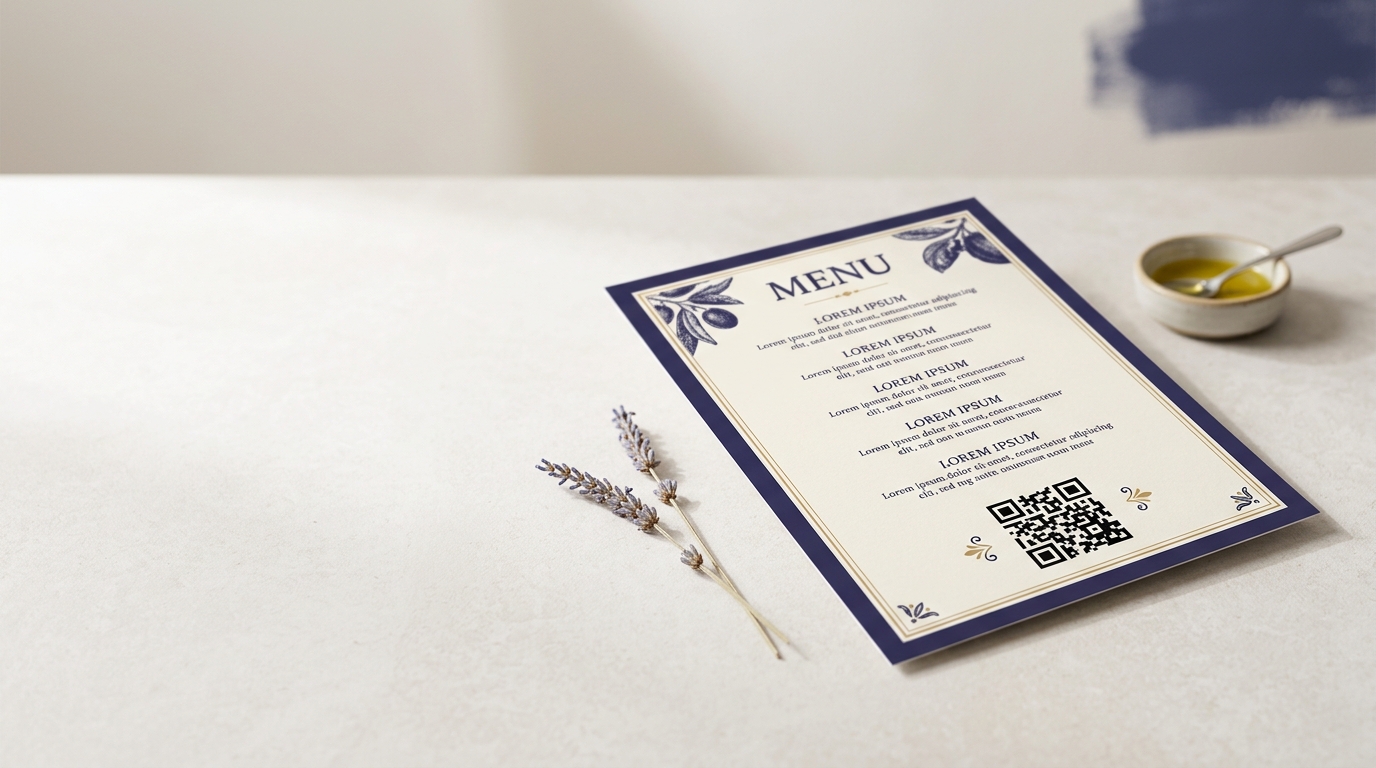
QR Codes on Menus
QR codes on menus let restaurants and cafés update dishes and prices in real time — no reprinting, no stickers over crossed-out items. Customers scan to access a full digital menu on their own phone.
Create your free QR code →Free trial · No credit card · Codes never expire
Ways to use QR codes on Menus
A QR code on a menu opens a digital version guests read on their own phone. Because the code is dynamic you can change dishes, prices and allergen information at any time, and the printed code keeps working.
Every QRecode code is dynamic — you can change where it points at any time without reprinting, and every scan is tracked.
One code for the whole menu, or one per section
A single code on the table that opens the full menu is almost always the right structure. Multiple codes — one for food, one for drinks, one for desserts — look tidy on the artwork but push the decision onto the guest before they know what they want, and multiply the print jobs whenever anything changes.
The exception is a genuinely separate audience: a wine list a sommelier presents separately, or a takeaway menu that has its own ordering flow. Where the journey is different, a separate code earns its place. Where it is the same meal, use one.
Where the code goes on different menu formats
The format changes both the size and the placement.
On a single laminated sheet, the bottom-right corner is the natural resting place for a thumb and the most intuitive spot to look. On a folded card menu, put the code on the back cover rather than inside, so a guest can scan without opening and holding the menu flat. On a chalkboard or wall menu, the code is being read from a standing distance of one to two metres, which under the 10:1 rule means 10–20cm — far larger than people expect, and the most common sizing mistake in the whole category.
| Menu format | Read from | Minimum code width |
|---|---|---|
| Laminated sheet or card, in hand | 20–40cm | 2–4cm |
| Table tent | 30–50cm | 3–5cm |
| Chalkboard or wall menu | 1–2m | 10–20cm |
| Window menu, read from outside | 1–3m | 10–30cm |
Multi-language menus without multiple codes
A QR menu solves a problem paper never could: the same printed code can serve a different language to each guest. Rather than printing separate English, Spanish and Polish menus and hoping you stocked the right ratio, one code opens a page that offers a language choice, or detects the phone’s own language setting.
This is genuinely one of the strongest arguments for a digital menu in a tourist-facing venue, and it costs nothing extra at print time. It is also the sort of change that would be impossible with a static code — adding a fourth language later means editing the destination, not reprinting every table.
A caution on allergen information
Allergen details are a common thing to put behind a menu QR code, and it is a useful place for them — there is far more room than a printed menu allows, and the information can be corrected the moment a recipe changes.
Treat the code as an addition rather than a replacement, though. Food businesses have specific legal duties around how allergen information is made available, those duties vary by jurisdiction, and a guest without a working phone still has to be able to get an accurate answer. Keep a current printed or staff-held reference, and check your own local requirements rather than relying on a QR code alone to discharge them.
A real, working QR code
This code was generated on this page, in your browser. Point your phone camera at it and it opens this guide — every code the generator makes works the same way.
Create yours freeHow to create a QR code
From idea to scannable code in three simple steps.
Create your code
Choose what your code links to — a website, menu, booking page, contact card or more. Customise the colours to match your brand.
Place it on your menus
Download a print-ready PNG or SVG and add it wherever your customers will see it. SVG stays sharp at any size.
Track and update
Watch scans roll in through real-time analytics, and change where your code points any time — no reprinting needed.
Why use dynamic QR codes?
Unlike static QR codes, dynamic codes let you change where they point any time — without reprinting. Track every scan with real-time analytics, customise the design to match your brand, and download in print-ready SVG or PNG.
- Change prices and dishes in seconds, not days
- Reduce printing and laminating costs to zero
- Contactless dining experience your guests prefer
Change where your code points without reprinting.
See every scan, device, and location instantly.
Match your brand colours and add a logo overlay.
Print-ready quality at any size.
UK-hosted, privacy-first scan tracking.
Your printed materials work forever.
Dynamic vs static QR codes
Not sure which to use? Here's how they compare.
Practical tips
A wall or chalkboard menu is read from 1–2m, so it needs 10–20cm. This is the most common sizing mistake in the category.
Guests can scan without opening and flattening the menu, which is awkward at a laid table.
The same printed code can open a page that offers a language choice — impossible with printed menus.