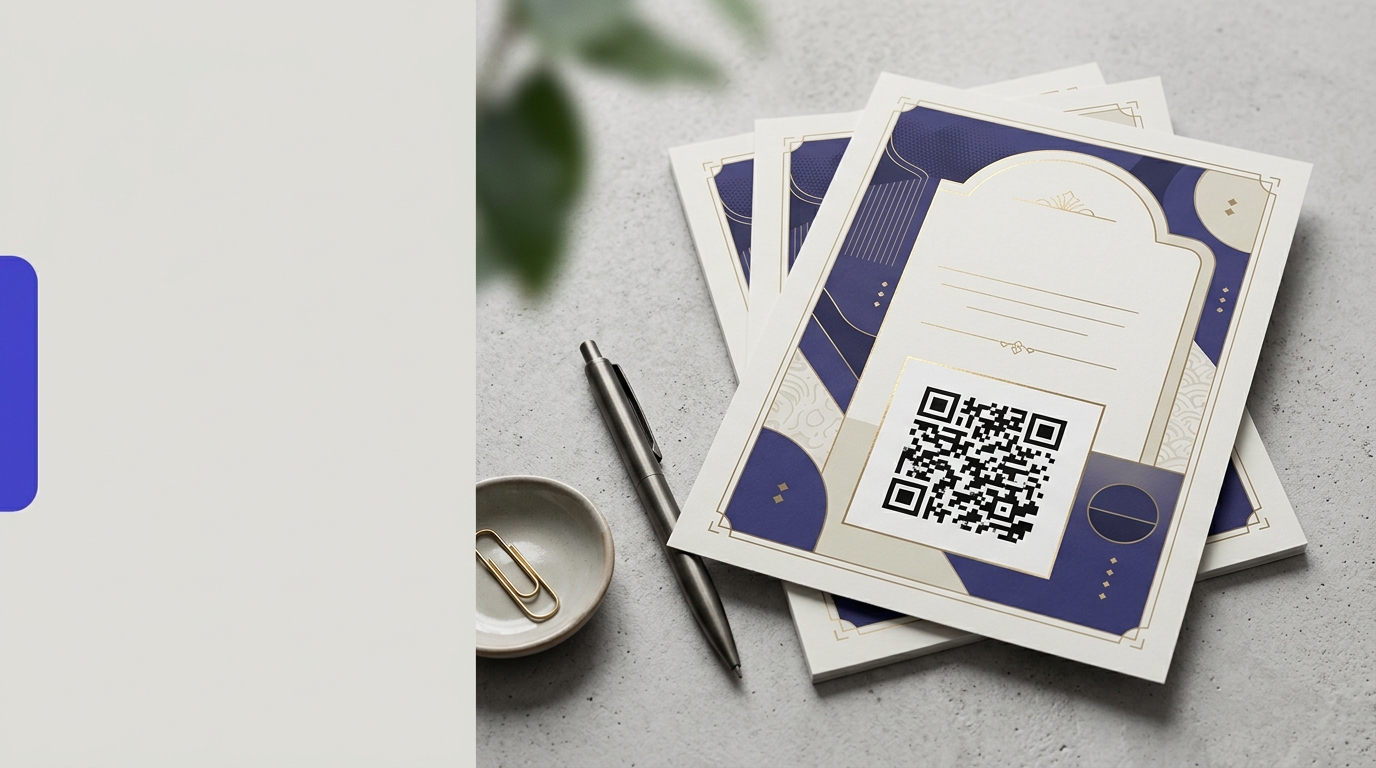
QR Codes on Flyers
A QR code on a flyer closes the gap between something someone picks up on the street and an action they take on their phone. Instead of hoping they remember your URL, give them one scan to your offer.
Create your free QR code →Free trial · No credit card · Codes never expire
Ways to use QR codes on Flyers
The most common uses are:
Every QRecode code is dynamic — you can change where it points at any time without reprinting, and every scan is tracked.
How big should a QR code be on a flyer?
Two rules, and you should apply whichever gives the larger answer.
The 10:1 rule sizes for scanning distance: a flyer held in the hand is read from 25–40cm, so the code needs to be 2.5–4cm. The 10% rule sizes for the piece itself: the code should be at least a tenth of the flyer’s shortest side. On A4, whose short side is 21cm, that is 2.1cm; on A5 it is 1.5cm, but 2cm remains the practical floor for any handheld piece.
Where the two disagree, take the bigger number. A5 flyers in particular fail this test often, because the 10% rule gives an answer below what a phone camera can reliably resolve.
| Flyer format | Short side | 10% rule | Use at least |
|---|---|---|---|
| A4 (210 × 297mm) | 21cm | 2.1cm | 2.5cm |
| A5 (148 × 210mm) | 14.8cm | 1.5cm | 2cm |
| A6 / postcard | 10.5cm | 1cm | 2cm |
| DL (99 × 210mm) | 9.9cm | 1cm | 2cm |
| A3 poster-flyer | 29.7cm | 3cm | 3.5cm |
Where on the flyer to put it
Bottom-right is the default, and it is not arbitrary. Reading a flyer, the eye lands there last, after the headline and the offer — which is exactly the point at which someone has decided whether they care. A code at the top competes with the headline for attention it has not yet earned.
On a double-sided flyer, put the code on the back in the lower third. The front carries the hook; the back carries the detail and the action. On a folded flyer, keep the code at least 1cm clear of any fold or cut line: folding distorts the print across the crease, and guillotining a stack drifts by a millimetre or two, which is enough to eat into the quiet zone.
- Bottom-right on a single-sided flyer, lower third of the back on a double-sided one.
- At least 1cm from any fold, crease, perforation or trim edge.
- Never across a fold.
- Keep the quiet zone — roughly 8–10mm of clear margin — genuinely empty.
- Avoid placing it over a photograph; a flat light panel behind the code guarantees contrast.
Label the code or lose most of your scans
An unlabelled QR code asks a stranger to point their camera at an unknown destination. Most people will not. The single cheapest improvement to a print campaign is a line of text next to the code saying what happens when it is scanned.
Be specific rather than instructional. “Scan me” tells the reader nothing they had not already worked out. “Scan for 20% off your first order” or “Scan to book a viewing” states the payoff, and it is the payoff that converts. Practitioners consistently report a large gap between labelled and unlabelled codes, and it costs nothing to test on your next run.
What to link a flyer code to
The commonest and costliest mistake is pointing a flyer code at your homepage. Someone holding a flyer about a specific offer, who scans and lands on a general homepage, has to go and find what they were promised. Most will not.
Send the scan to the exact thing the flyer advertised, and give that page the same headline as the flyer so the reader knows immediately that they are in the right place. Because a dynamic code can be repointed, one printed flyer design can serve a different destination for each campaign or each distribution area — and the scan data tells you which drop actually worked.
- The specific offer or product on the flyer, not the homepage.
- A booking or enquiry form, if the flyer asks for an appointment.
- An event registration page with the date pre-filled.
- A short video, where the thing you are selling is easier shown than described.
- A different destination per distribution area, so you can compare which round performed.
A real, working QR code
This code was generated on this page, in your browser. Point your phone camera at it and it opens this guide — every code the generator makes works the same way.
Create yours freeHow to create a QR code
From idea to scannable code in three simple steps.
Create your code
Choose what your code links to — a website, menu, booking page, contact card or more. Customise the colours to match your brand.
Place it on your flyers
Download a print-ready PNG or SVG and add it wherever your customers will see it. SVG stays sharp at any size.
Track and update
Watch scans roll in through real-time analytics, and change where your code points any time — no reprinting needed.
Why use dynamic QR codes?
Unlike static QR codes, dynamic codes let you change where they point any time — without reprinting. Track every scan with real-time analytics, customise the design to match your brand, and download in print-ready SVG or PNG.
- Measure real ROI from physical flyer distribution
- Update the destination without reprinting the flyer run
- No need to squeeze a long URL into a small space
Change where your code points without reprinting.
See every scan, device, and location instantly.
Match your brand colours and add a logo overlay.
Print-ready quality at any size.
UK-hosted, privacy-first scan tracking.
Your printed materials work forever.
Dynamic vs static QR codes
Not sure which to use? Here's how they compare.
Practical tips
The eye lands there last, after the offer — the point at which someone has decided they care.
Folding distorts print across the crease and guillotining drifts by a millimetre or two.
“Scan for 20% off” outperforms “Scan me”, which tells the reader nothing.