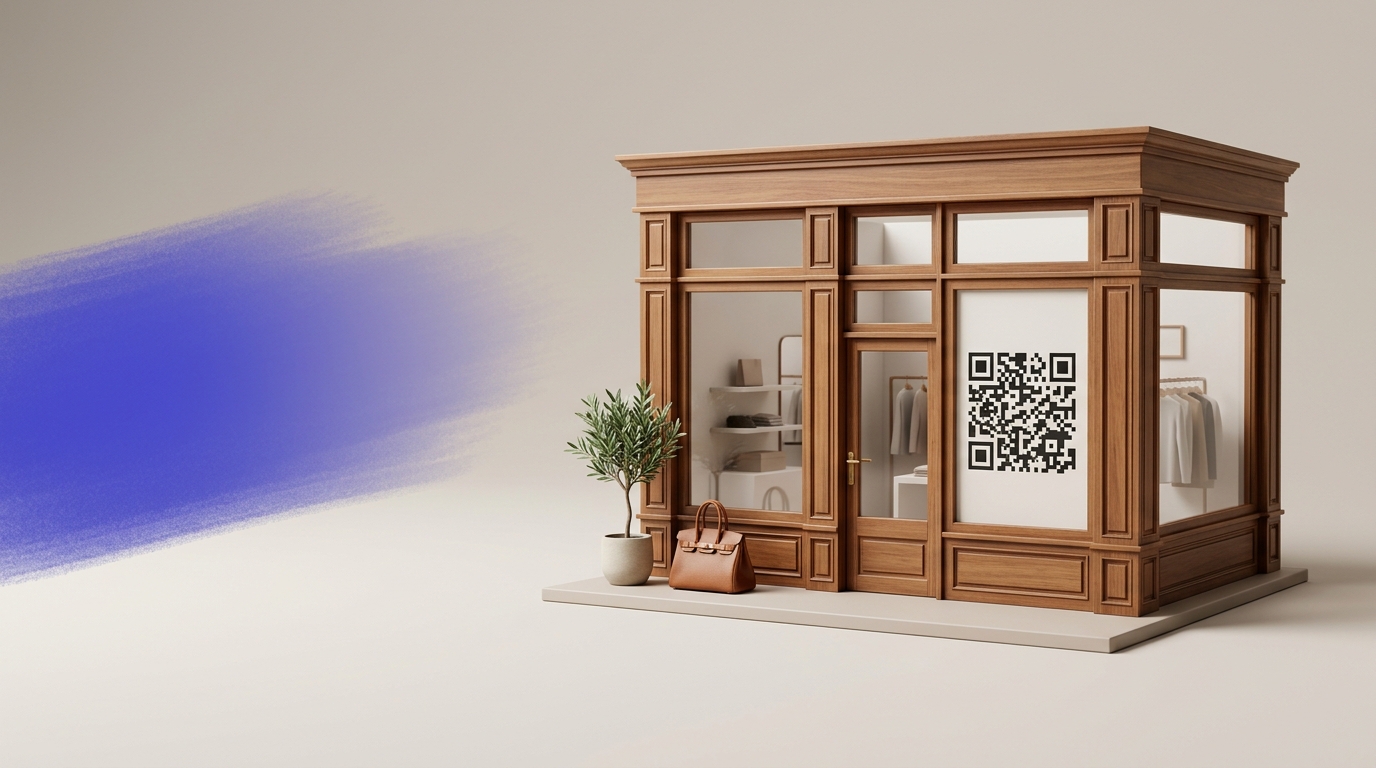
QR Codes on Shop Windows & Storefronts
A QR code on a shop window gives every passerby a way to engage with your business — browse products, book an appointment, or follow on social — even at 11pm when the shutters are down.
Create your free QR code →Free trial · No credit card · Codes never expire
Ways to use QR codes on Shop Windows and Storefronts
The most common uses are:
Every QRecode code is dynamic — you can change where it points at any time without reprinting, and every scan is tracked.
Shop window codes are scanned through glass, from outside
A window code has two problems no other placement has: it is read through a reflective sheet of glass, and it is often read when you are closed, which is precisely when it is most valuable.
Reading distance is 1–3 metres from the pavement, so the 10:1 rule gives 10–30cm. Glass reflection then eats into the effective contrast, so add roughly a quarter on top. A window code of 20–30cm is normal and correct, and looks larger in artwork than it does on the glass.
| Window placement | Read from | Minimum | Recommended |
|---|---|---|---|
| Door-height decal, close range | 0.5–1m | 5–10cm | 8–12cm |
| Main window display | 1.5–3m | 15–30cm | 20–35cm |
| Full-height window graphic | 2–4m | 20–40cm | 30–45cm |
| A-board on the pavement | 1–2m | 10–20cm | 15–25cm |
Glare, backing and which side of the glass
Whether the code goes inside or outside the glass changes how it performs.
Applied inside, the code is protected from weather and vandalism but reads through the glass, picking up reflections of the street opposite. Applied outside, contrast is better but the material must be weatherproof and it can be peeled. For most retail, inside-mounted on a white opaque backing is the right compromise: the backing prevents the shop interior showing through the light modules, which is the commonest cause of a window code failing.
Reflection is worst when the window faces the sun and when the code is at head height, directly opposite the brightest part of the street. Positioning the code slightly below eye level, on the shaded side of a doorway, avoids most of it.
- Mount on an opaque white backing so the interior does not show through.
- Position slightly below eye level and out of direct reflected sun where possible.
- Use matte, never gloss, vinyl.
- Keep it clear of mullions, frames and door handles.
- Test at night with the shop lights off — that is when many people will scan it.
The out-of-hours window is the whole point
A window code earns its keep when you are shut. Someone passing at nine in the evening cannot come in, but they can scan.
That means the destination should assume the shop is closed: opening hours, an online ordering page, a booking form for tomorrow, the menu, or a way to leave a contact detail. Pointing an out-of-hours window code at a homepage wastes the one moment where the code is the only channel you have.
Because the destination is editable, one printed decal can show the menu during the day and a booking form after closing — without anyone touching the glass.
Getting the code seen at all
A window code has a problem the others do not: people walk past windows without stopping, and a code they do not notice is a code they cannot scan.
Eye level is the first thing. A code at knee height or above the door frame is outside the natural scanning path of someone walking by. The second is contrast against what is behind it — a code on clear vinyl over a dark interior at night, or over a bright display in daylight, disappears in both cases, which is why an opaque backing panel matters more here than anywhere else.
The third is a reason to stop. Windows are passed at walking pace, so the line above the code has to work in about a second. “Closed? Order online” or “Scan to book a table” gives a passer-by a reason to break stride. “Visit our website” does not.
- Mount at eye level, roughly 1.4–1.6m from the pavement.
- Opaque white backing so the interior never shows through.
- One short line naming a reason to stop.
- Consider the shaded side of a doorway to avoid reflected sun.
- Check it in the evening with interior lights off, and at midday with them on.
A real, working QR code
This code was generated on this page, in your browser. Point your phone camera at it and it opens this guide — every code the generator makes works the same way.
Create yours freeHow to create a QR code
From idea to scannable code in three simple steps.
Create your code
Choose what your code links to — a website, menu, booking page, contact card or more. Customise the colours to match your brand.
Place it on your shop windows & storefronts
Download a print-ready PNG or SVG and add it wherever your customers will see it. SVG stays sharp at any size.
Track and update
Watch scans roll in through real-time analytics, and change where your code points any time — no reprinting needed.
Why use dynamic QR codes?
Unlike static QR codes, dynamic codes let you change where they point any time — without reprinting. Track every scan with real-time analytics, customise the design to match your brand, and download in print-ready SVG or PNG.
- Generate sales outside of opening hours
- Convert window shoppers into online customers
- Track foot traffic conversion on any street
Change where your code points without reprinting.
See every scan, device, and location instantly.
Match your brand colours and add a logo overlay.
Print-ready quality at any size.
UK-hosted, privacy-first scan tracking.
Your printed materials work forever.
Dynamic vs static QR codes
Not sure which to use? Here's how they compare.
Practical tips
Without it the shop interior shows through the light modules, which is the commonest cause of a window code failing.
The out-of-hours scan is the one that matters. Point it at opening hours, online ordering or a booking form.
That is the condition many people will scan in, and it is nothing like a lit showroom.