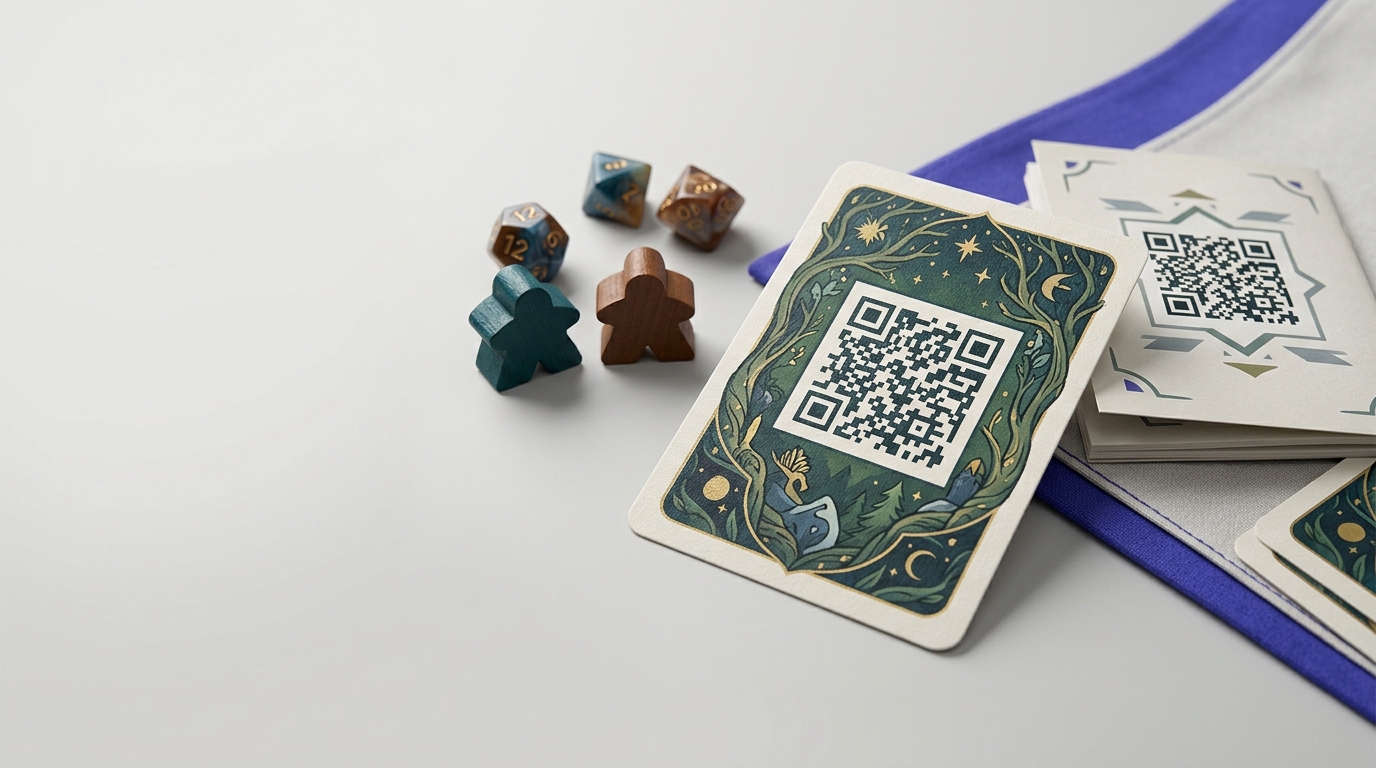
QR Codes in Board Games & Tabletop Gaming
Board game and tabletop game publishers use QR codes to deliver companion apps, video rule explanations, expansion content, and community links — bridging physical gaming with digital experience.
Create your free QR code →Free trial · No credit card · Codes never expire
Ways to use QR codes on Board Games and Tabletop Gaming
The most common uses are:
Every QRecode code is dynamic — you can change where it points at any time without reprinting, and every scan is tracked.
Why board games are an unusually good fit for QR codes
Tabletop games have a problem QR codes solve neatly: rules are long, printed once, and consulted at exactly the moment nobody wants to read a manual.
A code on the box, the rulebook or a component opens a rules reference, a setup walkthrough or a video that can be corrected and expanded after the game has shipped. For a game already in someone’s cupboard, that is the only way to reach them with an erratum or a clarified rule — the printed rulebook is fixed forever, the page behind the code is not.
- Put a code on the rulebook’s back cover for the full rules reference and FAQ.
- Codes on individual cards or components can link to a clarification for that specific piece, which is where most rules disputes actually happen.
- A setup video behind a box code shortens the worst part of a first play.
- Use dynamic codes so errata can be published after print without a reprint.
Printing codes on game components
Components are printed on more surfaces than almost any other product, and each behaves differently.
Linen-finish card stock, the standard for playing cards, has a deliberate texture that scatters module edges — codes on linen cards need to be larger than the same code on a smooth box panel. Wooden and acrylic components rarely have the resolution for a scannable code at token size; put the code on the packaging or the player aid instead. Box panels and rulebook covers are the most reliable surfaces available to you.
Whatever the component, ask for a physical proof and scan it. Tabletop print runs are large and unforgiving of a code that only worked in artwork.
| Component | Practical minimum | Notes |
|---|---|---|
| Box panel or rulebook cover | 2.5cm | Most reliable surface |
| Player aid or reference card | 2cm | Read in the hand |
| Linen-finish playing card | 2.5cm | Texture scatters module edges |
| Punchboard token | Not recommended | Too small; use the player aid |
| Wooden or acrylic piece | Not recommended | Insufficient print resolution |
Codes as part of play, not just documentation
Some designs use codes inside the game rather than around it: a legacy campaign where scanning a card unlocks the next chapter, an escape-room game where a code reveals a clue, or a scenario book where each mission links to its own briefing.
This works, with one caution worth designing around. A code that is part of play makes the game dependent on a phone, a connection, and a page that must stay online for as long as people own the game. Keep the code as an enhancement rather than a requirement, or ship an offline fallback in the box — a game that stops working when a URL lapses is a game with a shelf life.
Errata, expansions and codes that outlive the print run
A board game is printed once and lives in cupboards for years, which makes it unusually dependent on being able to reach players after the fact.
A dynamic code on the rulebook is the only channel a publisher has to a game already sold. Rules get clarified, an ambiguity surfaces on a forum, an expansion changes an interaction — none of which can be fixed in a box that shipped eighteen months ago. A code pointing at a living rules page means the errata reaches whoever scans it, indefinitely.
The discipline that makes this work is keeping the page at a stable address for the life of the game, which is longer than most websites survive in their current form. Plan for the destination to outlast at least one site redesign, and avoid pointing game codes at a platform you do not control.
- One code on the rulebook back cover pointing at a living rules page.
- Keep the address stable across site redesigns.
- Do not point game codes at a third-party platform you could lose.
- Date the errata page so players can see what changed and when.
- Where an expansion alters base rules, update the page rather than assuming players find a new one.
A real, working QR code
This code was generated on this page, in your browser. Point your phone camera at it and it opens this guide — every code the generator makes works the same way.
Create yours freeHow to create a QR code
From idea to scannable code in three simple steps.
Create your code
Choose what your code links to — a website, menu, booking page, contact card or more. Customise the colours to match your brand.
Place it on your qr codes in board games & tabletop gaming
Download a print-ready PNG or SVG and add it wherever your customers will see it. SVG stays sharp at any size.
Track and update
Watch scans roll in through real-time analytics, and change where your code points any time — no reprinting needed.
Why use dynamic QR codes?
Unlike static QR codes, dynamic codes let you change where they point any time — without reprinting. Track every scan with real-time analytics, customise the design to match your brand, and download in print-ready SVG or PNG.
- Deliver video rules that replace confusing printed instructions
- Build a community around each game product
- Push expansion content without returning product to store
Change where your code points without reprinting.
See every scan, device, and location instantly.
Match your brand colours and add a logo overlay.
Print-ready quality at any size.
UK-hosted, privacy-first scan tracking.
Your printed materials work forever.
Dynamic vs static QR codes
Not sure which to use? Here's how they compare.
Practical tips
It is flat, it is where people look when a rule is disputed, and it survives the print run.
Neither holds enough print resolution at token size. Put the code on the player aid instead.
A code that is load-bearing in play makes the game depend on a URL staying live for as long as people own it.