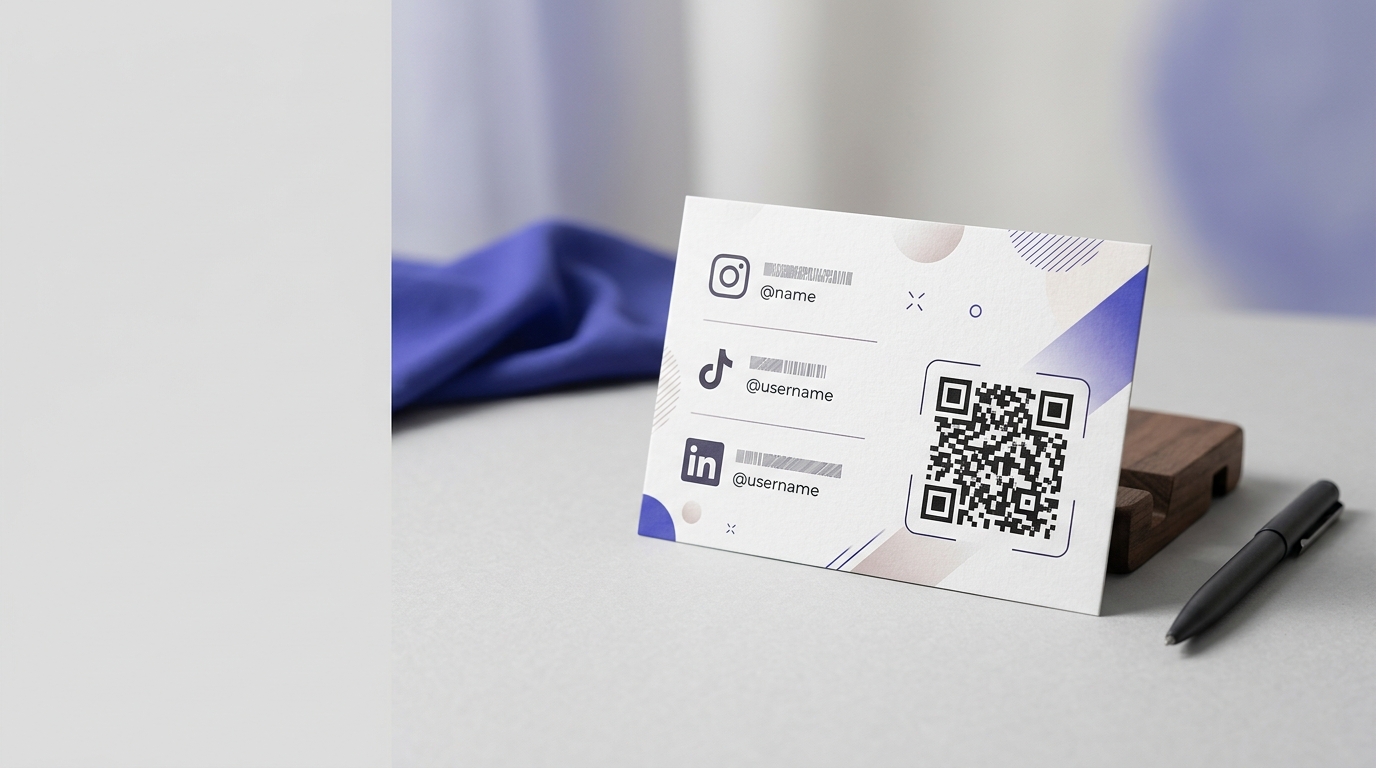
QR Codes for Social Media Profiles
A QR code is the fastest way to get someone from a physical interaction to following you online. Print it on a business card, a banner, or your shopfront, and turn every real-world contact into a digital follower.
Create your free QR code →Free trial · No credit card · Codes never expire
Ways to use QR codes on Social Media Profiles
A social QR code sends someone from something physical to your profile. The decision that matters is not which generator you use but whether you print one code per platform or a single code pointing at a page that lists them all — and for anything with limited space, a single code almost always performs better.
Every QRecode code is dynamic — you can change where it points at any time without reprinting, and every scan is tracked.
One code, or one per platform?
This is the choice that determines whether social codes work on print, and most businesses get it wrong by printing a row of them.
A row of four codes, one each for Instagram, Facebook, TikTok and YouTube, looks thorough and performs badly. It takes four times the space, so each code ends up too small; it asks the reader to decide which one they want before they know what is behind any of them; and most people, faced with a decision they did not ask for, do neither.
A single code pointing at a page listing your profiles solves all three. It prints large enough to scan reliably, needs one line of copy rather than four, and lets you add or drop a platform without reprinting. The exception is where you are genuinely promoting one platform for one reason — a specific campaign hashtag, a video series — in which case a single dedicated code beats a hub.
- One code to a page listing your profiles, for general use.
- One dedicated code where you are promoting a specific platform or campaign.
- Never a row of platform codes — it shrinks each one and splits attention.
- One line of copy naming the reason to follow, not a row of logos.
Where social codes are worth the space
Social codes work where the reader already has a reason to want more of you, and fail where they do not.
They work well on product packaging opened at home, on a stand at an event where someone has just spoken to you, at the end of a meal, and on anything a customer keeps. They work poorly on a shop window, a flyer pushed through a door, or anywhere the reader has no relationship with you yet — asking a stranger to follow you before they know who you are is asking for a commitment you have not earned.
The pattern to notice is timing. A social code at the end of an experience is a reasonable ask. The same code at the start is noise competing with the thing you actually want them to do.
- Product packaging and inserts, opened after purchase.
- Event stands and after a conversation.
- Table cards and receipts, at the end of a meal.
- Loyalty cards and anything the customer keeps.
- Poor fit: shop windows, cold leaflets, anywhere first contact happens.
Give a reason, not a logo
The commonest social code on print is a code with a small platform glyph beside it and nothing else. It converts poorly, because it names a platform rather than a benefit.
“Follow us on Instagram” describes an action the reader has to want already. “New drops every Friday” or “See how it is made” describes something they get. The code is the same; the line above it does the work.
It also pays to make sure the landing profile earns the scan. Someone who scans and finds the last post is four months old has learned something you would rather they had not, and a dormant profile is a reason to leave the code off entirely until you have something worth arriving at.
A real, working QR code
This code was generated on this page, in your browser. Point your phone camera at it and it opens this guide — every code the generator makes works the same way.
Create yours freeHow to create a QR code
From idea to scannable code in three simple steps.
Create your code
Choose what your code links to — a website, menu, booking page, contact card or more. Customise the colours to match your brand.
Place it on your social media profiles
Download a print-ready PNG or SVG and add it wherever your customers will see it. SVG stays sharp at any size.
Track and update
Watch scans roll in through real-time analytics, and change where your code points any time — no reprinting needed.
Why use dynamic QR codes?
Unlike static QR codes, dynamic codes let you change where they point any time — without reprinting. Track every scan with real-time analytics, customise the design to match your brand, and download in print-ready SVG or PNG.
- Convert every real-world interaction into a social follow
- One code that links to all platforms from a single scan
- Track which physical placements drive the most followers
Change where your code points without reprinting.
See every scan, device, and location instantly.
Match your brand colours and add a logo overlay.
Print-ready quality at any size.
UK-hosted, privacy-first scan tracking.
Your printed materials work forever.
Dynamic vs static QR codes
Not sure which to use? Here's how they compare.
Practical tips
Four platform codes take four times the space, so each is too small, and the reader has to choose before they know what is behind any of them.
A follow request works after a good experience. On a shop window, before any relationship exists, it competes with what you actually want them to do.
“New drops every Friday” outperforms a bare platform logo, because it says what the reader gets.