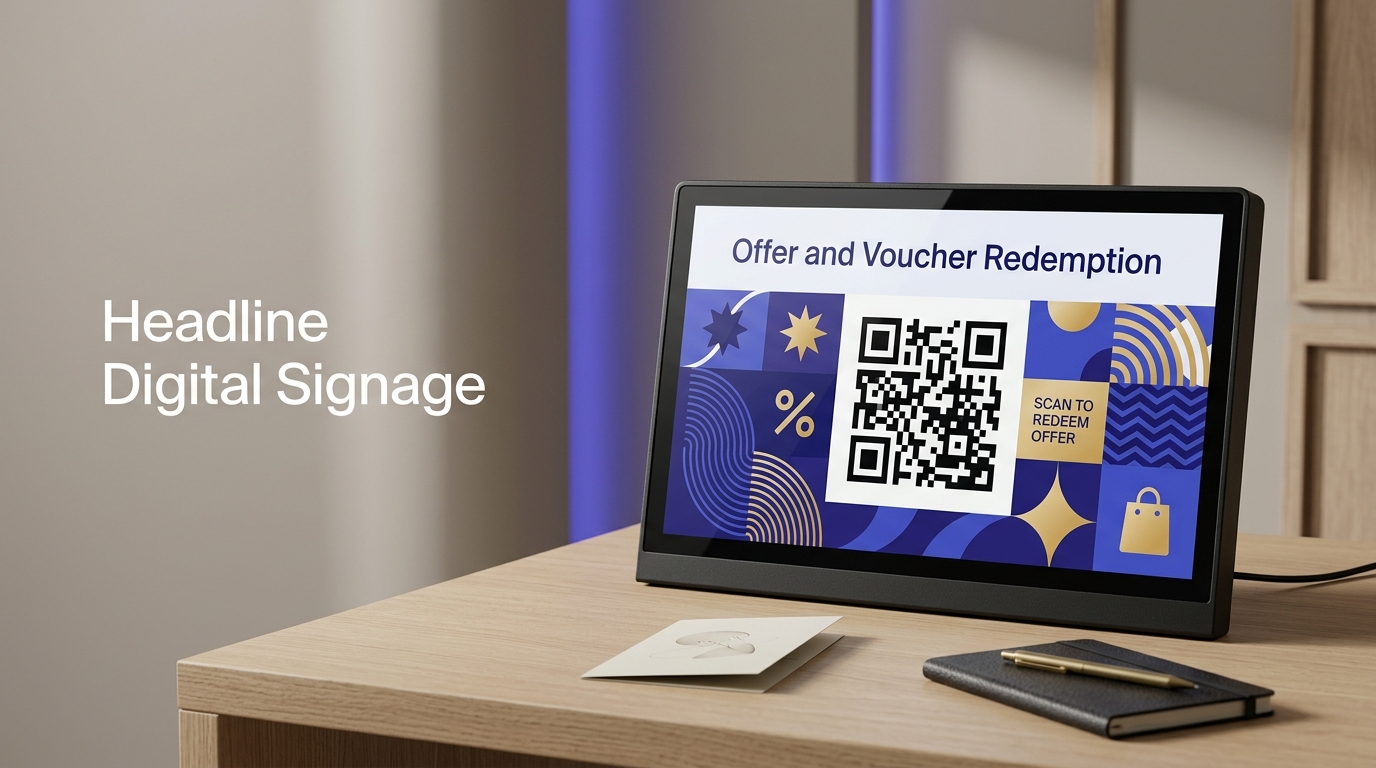
QR Codes on Digital Signage
Digital signage operators display QR codes alongside campaigns to move viewers from the sign to their phone — enabling mobile redemption, app downloads, and personalised follow-through from a public screen.
Create your free QR code →Free trial · No credit card · Codes never expire
Ways to use QR codes on Digital Signage
The most common uses are:
Every QRecode code is dynamic — you can change where it points at any time without reprinting, and every scan is tracked.
Static signage versus a code on a screen
Digital signage splits into two quite different problems, and the advice for one is wrong for the other.
Printed and vinyl signage behaves like any other large-format print: size by distance, matte finish, high contrast. A code on a screen is different. Screens are emissive rather than reflective, so contrast is usually excellent, but they introduce three issues print does not have: the code may be on screen for only a few seconds in a rotation, the screen may be too bright for a phone camera to expose correctly, and moiré patterning can appear when a camera photographs a pixel grid.
The practical fix for rotating displays is dwell time. A code needs to be on screen for at least 8–10 seconds for someone to notice it, get their phone out and scan. Anything shorter is decoration.
| Signage type | Read from | Code size | Key constraint |
|---|---|---|---|
| Wall-mounted printed sign | 1–2m | 10–20cm | Glare from overhead light |
| Wayfinding / directional sign | 1–1.5m | 10–15cm | Often read in passing |
| Digital screen, portrait | 1–2m | 10–20cm | Needs 8–10s dwell time |
| Large format LED wall | 3–8m | 30–80cm | Pixel pitch limits detail |
| Window-mounted vinyl | 1.5–3m | 15–30cm | Reflection through glass |
Pixel pitch limits what an LED wall can display
An LED wall cannot render a QR code finer than its own pixel pitch, and this catches people out because the artwork looks perfect on a monitor.
Each module of the code needs to land on at least two or three physical LEDs to be distinguishable. On a coarse outdoor wall with a 10mm pitch, a code with 33 modules across needs to be roughly a metre wide before the modules resolve at all. Ask the screen operator for the pixel pitch and work back from it, rather than sending artwork and hoping.
The same applies in miniature to low-resolution indoor screens and to any display running content scaled from a smaller source file.
Codes on signage are read in passing
Wayfinding and information signage is usually read by someone on their way somewhere else, which sets a low ceiling on how much you can ask of them.
The destination should be immediately useful and immediately relevant to that spot: the floor plan, the timetable, the exhibit description, the opening hours. A code on a directional sign that leads to a corporate homepage wastes the one moment where you had someone’s attention and their location.
Testing signage before it is installed
Signage is the hardest format to correct after the fact. A menu can be reprinted for a few pounds; a wall-mounted sign or a screen installation cannot, and the code is often installed by someone who will not test it.
Test at the height and distance it will actually be viewed from, not at a desk. Print the artwork at final size, tape it at the mounting height, and stand where the reader will stand. On digital signage, view the code on the actual screen at the actual resolution, because a code that renders cleanly in artwork can be destroyed by scaling to a low pixel-pitch display.
One practical step that catches most problems: photograph the installed sign from the reading position, then try scanning it from the photo. If it will not read from a photograph taken at the right distance, it will not read in person either.
- Test at mounting height and reading distance, not on a desk.
- On screens, check on the actual display rather than a monitor.
- Photograph from the reading position and scan the photo as a proxy.
- Check under the venue's own lighting, including at night if relevant.
- Test with an older phone, not just a current handset.
A real, working QR code
This code was generated on this page, in your browser. Point your phone camera at it and it opens this guide — every code the generator makes works the same way.
Create yours freeHow to create a QR code
From idea to scannable code in three simple steps.
Create your code
Choose what your code links to — a website, menu, booking page, contact card or more. Customise the colours to match your brand.
Place it on your digital signage
Download a print-ready PNG or SVG and add it wherever your customers will see it. SVG stays sharp at any size.
Track and update
Watch scans roll in through real-time analytics, and change where your code points any time — no reprinting needed.
Why use dynamic QR codes?
Unlike static QR codes, dynamic codes let you change where they point any time — without reprinting. Track every scan with real-time analytics, customise the design to match your brand, and download in print-ready SVG or PNG.
- Create an instant mobile touchpoint from any screen campaign
- Track conversions from individual digital signs
- Update QR destinations as the campaign evolves
Change where your code points without reprinting.
See every scan, device, and location instantly.
Match your brand colours and add a logo overlay.
Print-ready quality at any size.
UK-hosted, privacy-first scan tracking.
Your printed materials work forever.
Dynamic vs static QR codes
Not sure which to use? Here's how they compare.
Practical tips
A code in a rotating playlist has to stay up long enough for someone to notice it, get their phone out and scan. Anything shorter is decoration.
An LED wall cannot render a code finer than its own pitch. Each module needs two or three physical LEDs, so a coarse outdoor wall needs a very large code.
Someone on their way elsewhere will not explore. Land the scan on the floor plan or timetable, not a homepage.