A QR code is a printed pattern, not a subscription, so the pattern itself never expires. What can stop working is whatever the code points to. A static code has the destination encoded into the pattern and keeps working forever, even if the website it points to disappears. A dynamic code points at a redirect service, so it works for as long as that service keeps the redirect alive.
Why people think QR codes expire
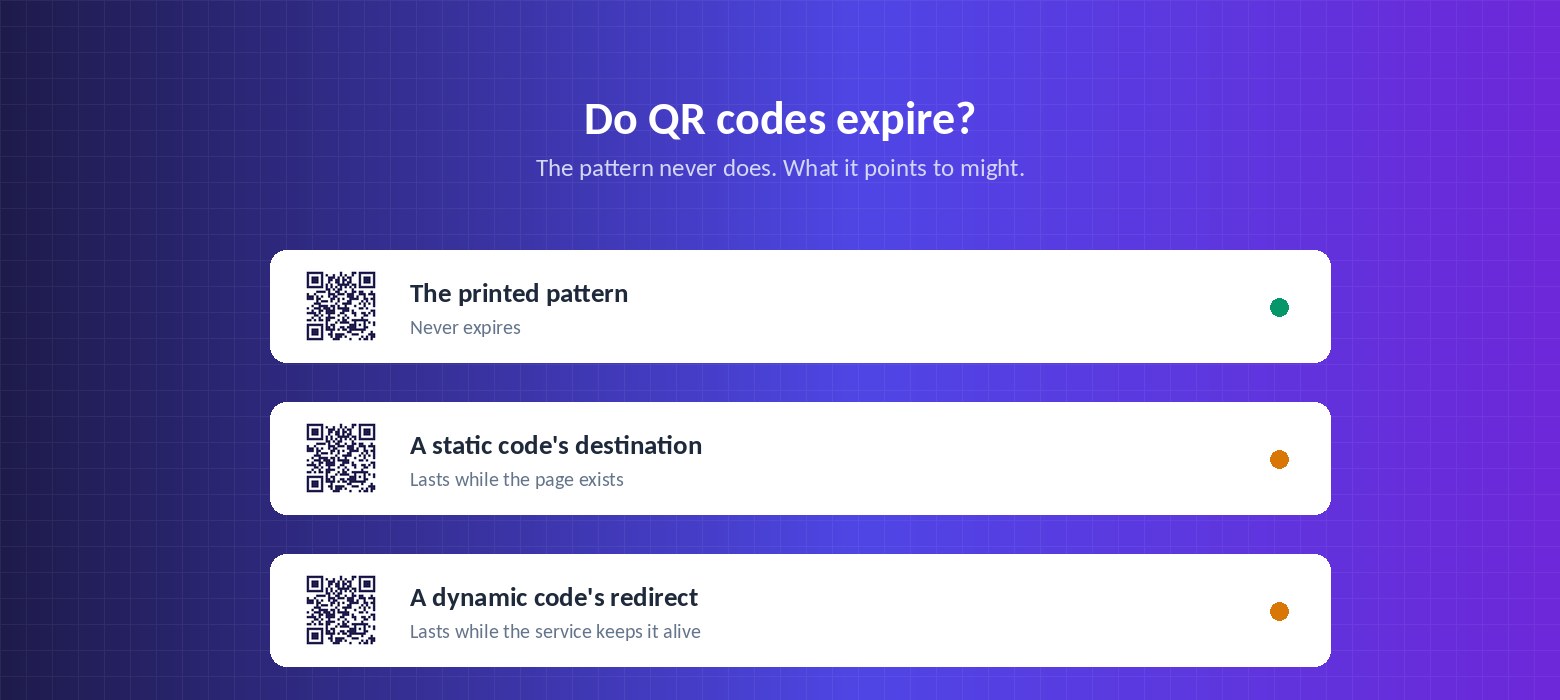
The confusion comes from the generators, not the technology. Many free QR code sites create dynamic codes by default without saying so, then place a time limit or a scan cap on the free tier. When the trial ends, the redirect is switched off and every printed code stops working at once.
The code was fine. The redirect behind it was withdrawn. That is a commercial decision by the generator, not a property of QR codes, and it is the single most common reason a business finds a printed menu or flyer suddenly leads nowhere.
Static codes: permanent, but fixed
A static code encodes the destination directly in the black and white pattern. Scan it and your phone reads the URL straight out of the image. No server is involved, so there is nothing to switch off.
The trade-off is that the destination is set in ink. Changing where a static code points means generating a new code and reprinting everything that carries it. A static code also grows more complex as the URL gets longer, which means it needs to be printed larger to stay readable.
Dynamic codes: editable, but dependent
A dynamic code encodes a short redirect address. Scanning it sends the phone to the redirect service, which forwards it to wherever you have currently pointed it. That indirection is what lets you change the destination after printing, and what makes scan tracking possible.
It also creates a dependency: if the redirect service closes your account, goes out of business, or puts your codes behind a paywall, the printed codes stop resolving. This is a real risk worth weighing rather than dismissing, and it is why the terms of your generator matter more than its feature list.
- Check whether codes stop working when a trial ends or a plan is downgraded.
- Check whether there is a scan limit, and what happens when it is reached.
- Check whether you can export or redirect your codes if you leave.
- Prefer a provider whose free tier keeps codes alive rather than expiring them.
What actually stops a code working
Expiry is rarely the real culprit. In practice, printed codes fail for these reasons instead:
- The destination page was deleted or the site was restructured, so the code resolves to a 404.
- The domain lapsed, so the URL no longer belongs to you.
- The site moved from HTTP to HTTPS without redirects.
- The code was printed too small for the distance it is scanned from.
- A gloss laminate or varnish reflects light into the camera.
- The quiet zone — the clear margin around the code — was crowded by other artwork.
How to make sure your codes outlive the print run
If a code is going on something expensive or long-lived — packaging, signage, business cards, vehicle livery — the destination matters more than the generator.
The most durable arrangement is a dynamic code pointing at a URL on a domain you own, with the redirect handled by a provider whose free tier does not expire codes. That way you keep the ability to change the destination, and the worst case if you switch providers is repointing rather than reprinting.
Create a QR code free
Dynamic codes you can edit after printing, with scan tracking. No card needed.
Open the generator